What Linkeja does
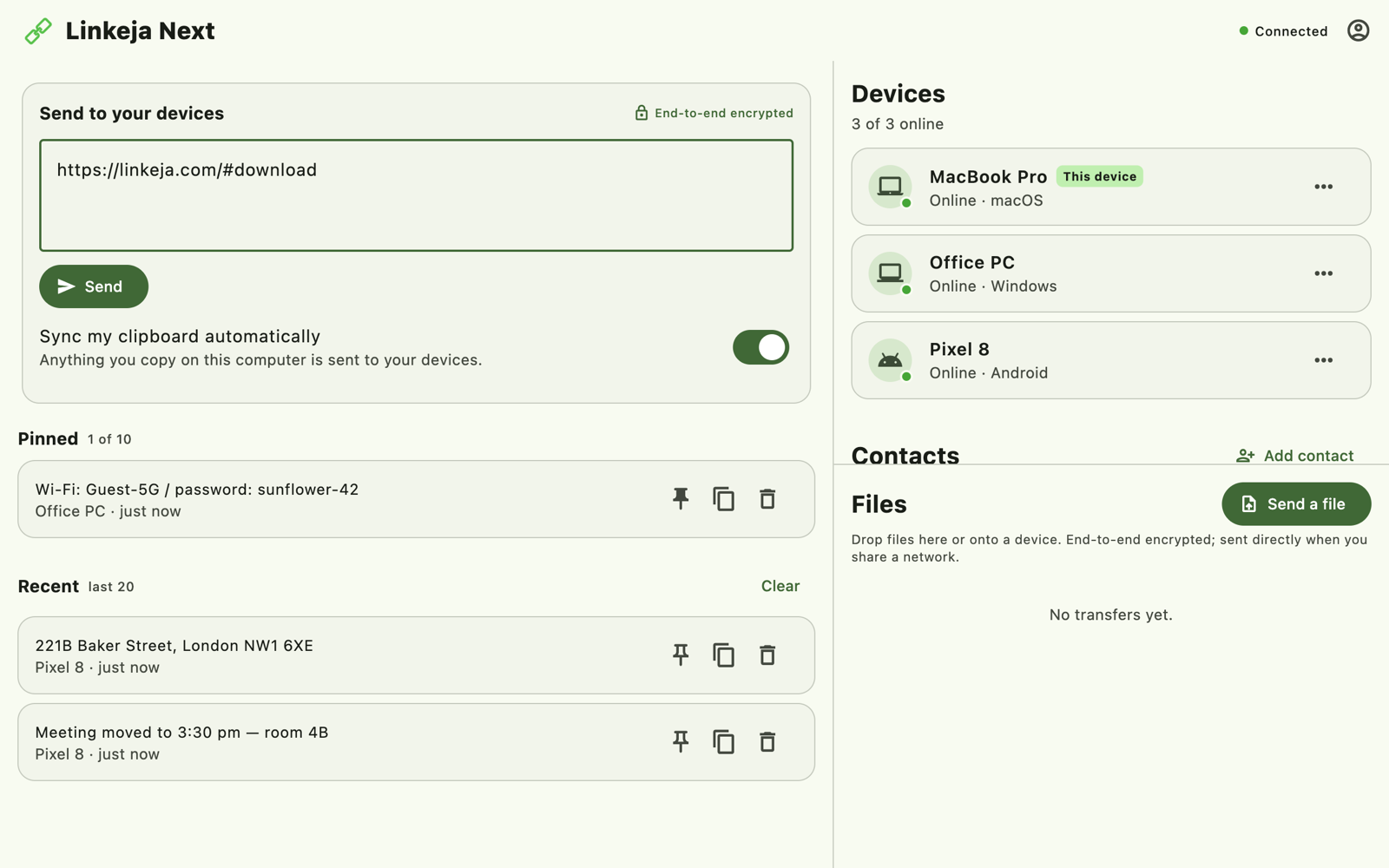
- Universal clipboard. Copy on your computer and it's on your other devices. On Windows and Linux it happens automatically; on phones you tap to send. Free, not a paid extra.
- Clipboard history shared across your devices: your last 20 items, plus up to 10 you pin — handy for addresses, Wi-Fi passwords and links you paste often.
- Send files to any of your devices. Between the installed apps on the same Wi-Fi they go directly; otherwise through an encrypted relay that deletes them once delivered.
- Send files to friends with Contacts, connected once with a one-time code.
- Works in a browser — on an iPhone, a Mac, or a work PC where you can't install anything.
Switch in two minutes
Create a free account, open Linkeja on your devices and approve them — that's it.
What's different from Pushbullet
- End-to-end encrypted, always. Your clipboard and files are encrypted on your device; only your approved devices hold the key, and our server can't read anything. See how.
- Clipboard sync is free. Pushbullet moved “universal copy & paste” into its paid Pro plan in 2015 (Android Authority).
- No ads, and we don't sell your data.
What Linkeja doesn't do: it doesn't mirror your phone's notifications or send text messages. If those are what you need, Linkeja isn't a full replacement — it's built to do clipboard and files really well.
Get started
- Install Linkeja on your computer — Microsoft Store for Windows, or the Linux package — or open the web app, and create a free account.
- On your phone, install Linkeja from Google Play, or open the web app in Safari on iPhone, and sign in.
- Approve the phone from your computer by checking that both show the same code.
The step-by-step guide shows every screen. Comparing other options too? See Linkeja vs KDE Connect, LocalSend and Pushbullet.
Try Linkeja free
Open it in your browser — nothing to install — or get the apps for automatic clipboard sync.